
Verifying Display Energy Efficiency Under European Ecodesign Requirements
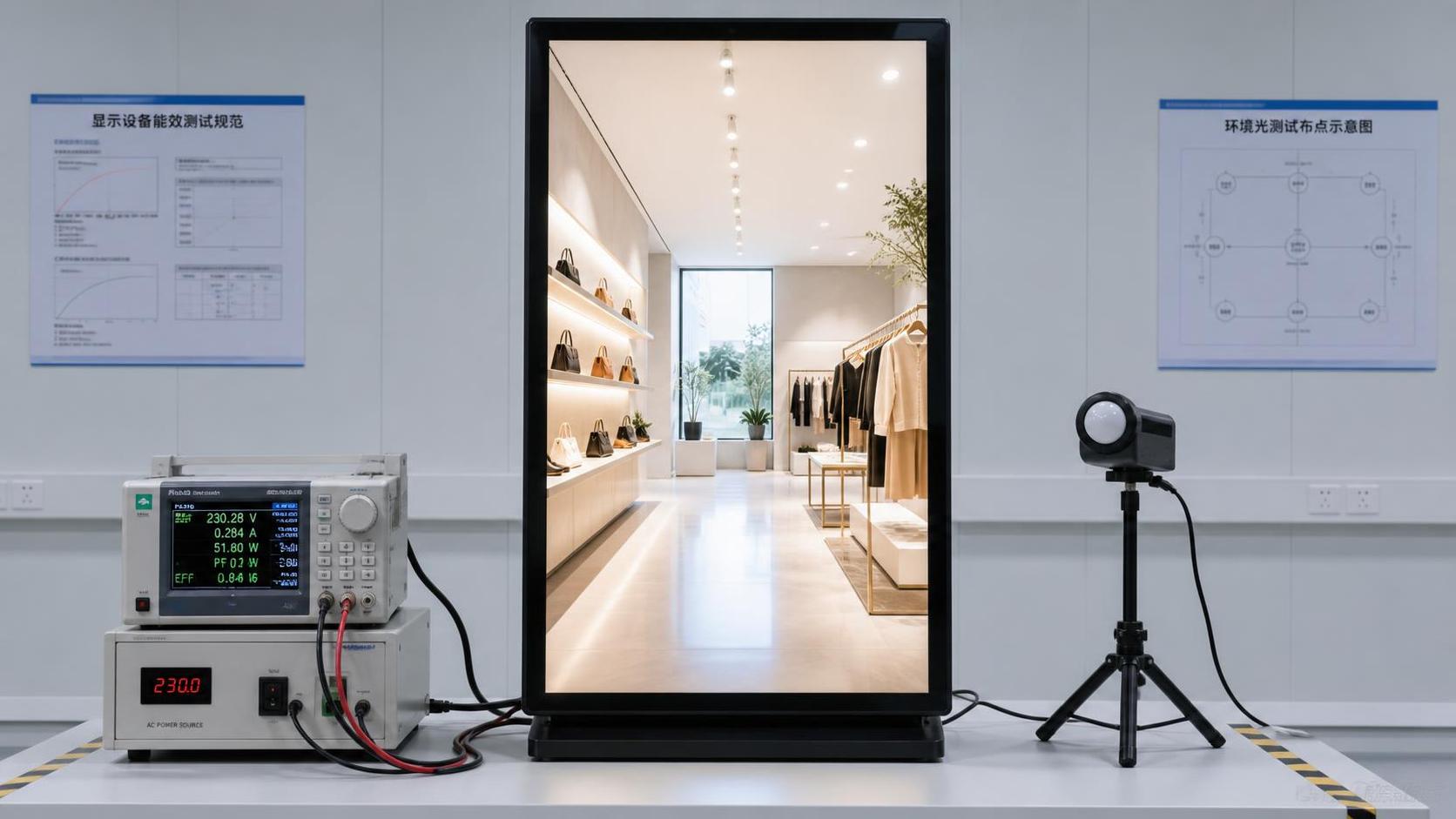
A credible assessment of display energy efficiency in Europe starts with a simple rule: do not accept a single “typical power” figure as proof of Ecodesign performance. A commercial display may consume very different amounts of energy depending on its brightness setting, screen content, operating schedule, network state, and automatic control configuration. For technical evaluation, the supplier must provide evidence that connects the declared product configuration to the conditions under which it was measured.
This matters most for digital signage, professional LCD displays, LED video systems, self-service kiosks, and public-facing screens that operate for long daily hours. A display that appears efficient in a low-brightness indoor demonstration may behave very differently when installed in a sunlit retail window, a transport hub, or an outdoor DOOH location.
Start by identifying the product category and intended operating condition
European Ecodesign requirements are not evaluated through one universal test for every visual product. The first task is to determine what is actually being placed on the market: a conventional electronic display, a signage screen, a modular LED system, an integrated kiosk, or a display combined with external control equipment. The compliance route, documentation scope, and meaningful energy comparison can change with the product architecture.
Technical teams should avoid treating all screen technologies as directly comparable. A 75-inch indoor LCD signage display, a fine-pitch LED wall, and a high-brightness window-facing display may deliver a similar visual area, but their light generation, thermal behavior, power supplies, and control systems are fundamentally different.
Before requesting energy documentation, define the actual use case:
- Indoor retail, corporate, education, or hospitality display;
- High-ambient-light signage near windows or building entrances;
- Long-duration DOOH media operation;
- Outdoor advertising or public-information display;
- Video wall or LED installation with separate receiving cards, processors, and power distribution;
- Integrated system such as a kiosk, illuminated sign, exhibition structure, or interactive terminal.
This use-case definition prevents a common procurement error: selecting a product based on a compliant-looking document while overlooking that the evaluated setup does not represent the intended installation.
What the energy claim must show
A useful declaration does more than state watts. It explains the tested configuration and makes it possible to reproduce the result. The evaluator should be able to see which screen size, panel type, firmware version, power mode, brightness level, network setting, and accessory configuration were included.
For commercial display energy efficiency, the most important question is often not “What is the maximum power?” Maximum consumption is relevant for electrical design, circuit sizing, cooling, and risk planning, but it does not by itself indicate normal operating efficiency. At the same time, a low “average” figure has little value if the supplier cannot explain the content pattern, luminance setting, or duration used to obtain it.
A supplier declaration should also distinguish between the display itself and system-level consumption. For example, an LED video wall may need sending equipment, receiving cards, power supplies, cooling, control hardware, and network devices. Leaving those components outside the comparison can make one solution appear more efficient than it will be in operation.
Brightness is where many comparisons become misleading
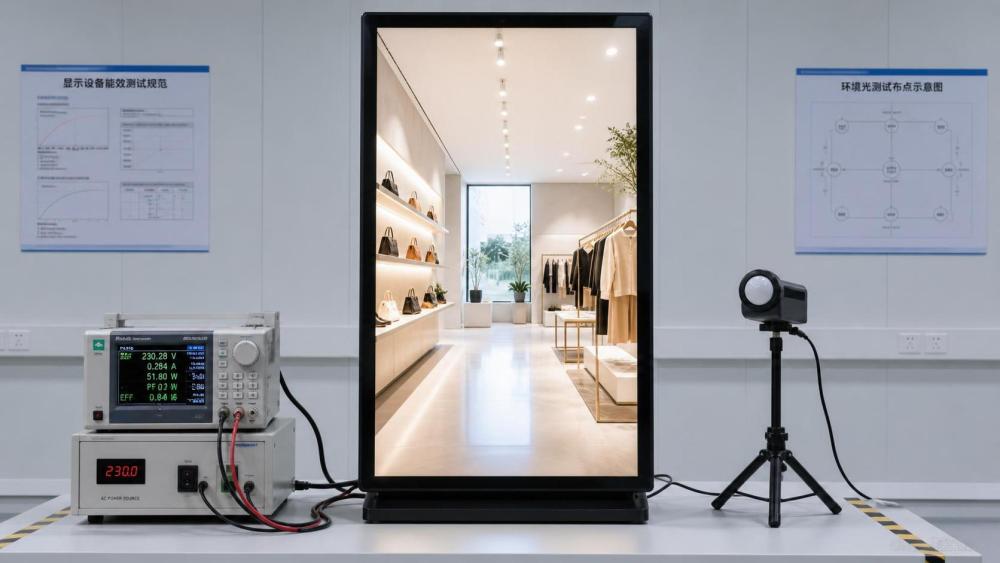
Brightness is closely tied to display power consumption. Raising luminance usually requires more electrical input, particularly for LED systems and high-brightness signage intended to remain visible in strong ambient light. Therefore, a power figure taken at a reduced brightness setting cannot be used to predict energy use at the planned installation brightness.
The right comparison is made at a usable visual condition, not at the lowest possible setting. In an indoor meeting room, a modest luminance level may be entirely appropriate. In a shop window or transit concourse, that same setting may produce poor readability, forcing the operator to override automatic controls and run the display brighter than assumed during procurement.
Ask for a brightness-control strategy, not just a nominal brightness value. A well-configured ambient-light sensor and scheduled dimming profile can reduce consumption during low-light periods while preserving visibility when it is needed. However, those controls only create savings when they are enabled, calibrated, and protected from routine manual override.
Assess the default state, not only the available feature
Suppliers often list brightness sensors, time scheduling, and automatic standby as available functions. That is not enough for an Ecodesign-oriented assessment. The relevant question is whether the delivered product activates these functions by default, how easily they can be disabled, and whether the installation team can verify their operation after commissioning.
A display fleet can lose a large share of its expected energy benefit when every unit is configured for permanent maximum brightness or never enters its intended low-power state. The issue is operational rather than theoretical: the product may have capable controls, but the project workflow may leave them unused.
Separate electrical capacity from operating efficiency
Maximum power demand remains essential for design engineers. It affects feeder capacity, cable selection, protective devices, UPS sizing, heat loads, and installation cost. It should be documented for every display system, especially large LED walls and outdoor installations.
It should not be confused with normal energy use. A technical review needs both values because they answer different questions:
- Maximum input power supports safe electrical and thermal design under demanding content and brightness conditions.
- Measured on-mode power supports efficiency comparison under a defined operating condition.
- Annual or lifecycle energy estimate supports budget planning when based on realistic schedules, brightness profiles, and downtime.
For LED displays, content also matters. Bright graphics, white-heavy layouts, live sports, and high-contrast advertising can create a substantially different load profile from dark content or static messaging. A purchasing decision based only on a supplier’s average consumption should therefore include the intended content mix. This is particularly important for DOOH networks, where creative specifications can influence operating cost as much as display hardware selection.
Review controls, connectivity, and low-power modes together
Networked signage is rarely fully off. Remote monitoring, content management, wake-on-LAN functions, sensor inputs, and media players may require part of the system to remain active. This does not make low-power operation impossible, but it means the evaluator must establish which components are still consuming energy in each state.
Review the display, player, external controller, and power distribution arrangement as a whole. A low-consumption screen paired with an always-on external media player or unmanaged controller can undermine the expected result. The same principle applies to kiosks, where printers, payment devices, cameras, and cooling fans may dominate consumption outside the screen itself.
For projects with central management, test the shutdown and wake-up sequence before deployment. A schedule is only useful if the display reliably resumes content playback, reconnects to the network, and reports its state after a planned low-power period. Otherwise, site teams may choose permanent operation to avoid service calls.
Build a verification file before purchase approval
The strongest way to reduce compliance and lifecycle-cost risk is to create a product-specific verification file. This should be requested before final model approval, rather than after the display has been installed or delivered.
- Record the exact product model, variant, screen size, firmware, and included accessories.
- Document the intended application, daily operating hours, ambient-light conditions, and required visual performance.
- Obtain energy information for the stated operating mode, including brightness and control settings.
- Capture maximum electrical demand separately for installation engineering.
- Confirm standby, networked standby, scheduling, and automatic brightness functions in the proposed configuration.
- Identify external components that consume power and decide whether they belong in the project energy model.
- Include commissioning checks so installed settings match the reviewed configuration.
This file is especially valuable when several parties are involved: manufacturer, exporter, system integrator, installer, property owner, and media operator may each assume someone else validated the energy claim. A defined evidence package gives procurement and engineering teams a shared basis for acceptance.
Common assessment mistakes
Comparing power ratings without matching brightness. The lower wattage option is not automatically more efficient if it cannot achieve the required visibility at the installation site.
Using maximum power as an annual-cost estimate. This often exaggerates routine consumption, while using an unexplained “typical” figure can understate it. A realistic operating profile is more useful than either figure alone.
Ignoring the delivered configuration. Optional sensors, media players, remote-control modules, and different power supplies can alter the system being assessed.
Assuming certification documentation replaces commissioning. Product evidence supports market and procurement decisions, but field settings still determine day-to-day energy use.
Treating an LED wall as a single display module. Controllers, power distribution, cooling requirements, and content behavior should be considered at system level.
Choosing the right level of evaluation
A small indoor signage deployment may only require a disciplined comparison of product documentation, on-mode conditions, and automatic power controls. A large commercial installation needs a broader review that connects display performance with electrical infrastructure, thermal management, software scheduling, and operational responsibility.
For complex commercial display projects, CDES frames energy efficiency alongside brightness control, heat dissipation, outdoor reliability, installation planning, and compliance readiness. That combined view is useful because a product cannot be judged as efficient in isolation if its operating environment forces unnecessary brightness, cooling, or continuous runtime.
The practical decision is not to choose the display with the smallest published power number. It is to select a system whose documented energy behavior remains credible at the brightness, control settings, content profile, and operating schedule required by the project. When those conditions are explicit before purchase, European Ecodesign assessment becomes a defensible technical process rather than a document-collection exercise.
Related News
- FCC EMC Compliance for LED Displays: Class A vs. Class B RequirementsTime : Oct 28, 2026
- Commercial Display Compliance Services: How to Prepare for EMC and Light-Pollution ApprovalTime : Oct 05, 2026
- Billboard Approval Process: Permits, Lighting Rules, and Site DocumentsTime : Sep 24, 2026